Frame
AI photo & video studio — create, edit, and keep every frame.
Create images & video with AI.
Keep every frame safe in the cloud.
Frame is a local-first AI studio for Windows and Android. Generate on your own GPU with ComfyUI, Wan 2.2 and Ollama — then sync and back up all your media to your private cloud gallery.
Free: 10 images + 4 videos per day · Works on NVIDIA RTX 3060 12GB and above · No GPU? Use a cloud GPU.
Everything you need to create
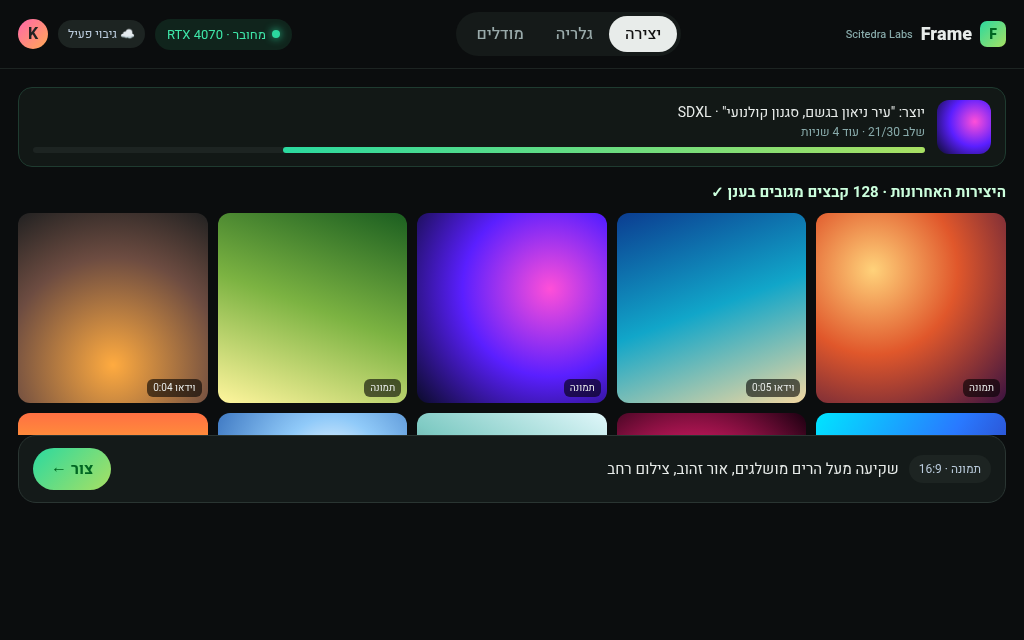
Image generation
SDXL and Flux checkpoints, LoRA styles, aspect presets and a single central prompt bar.
Video generation
Wan 2.2 text-to-video and image-to-video on 12GB+ cards, with progress and partial previews.
Cloud gallery & sync
Sign in with Google. Every image and video is backed up to your own private space and synced across devices.
Prompt assistant
Local Ollama models improve prompts and describe images — nothing leaves your PC unless you sync it.
Phone companion
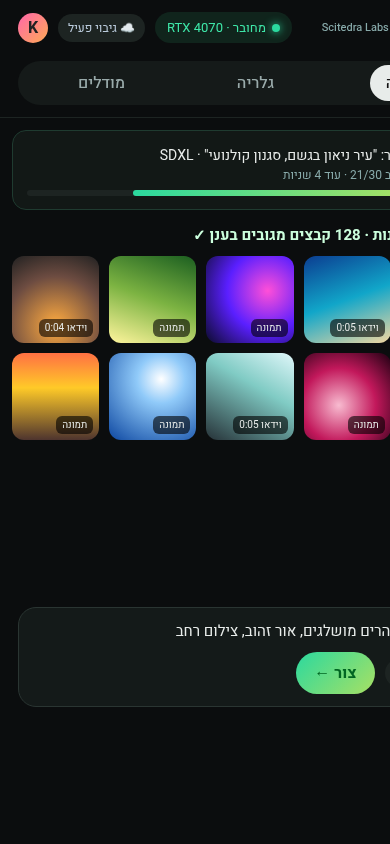
Android app and PWA connect to your PC on the home network, or to your cloud gallery anywhere.
Cloud GPU option
No suitable GPU? Point Frame at a remote ComfyUI server and keep the same workflow.
How it works
- Install Frame for Windows and ComfyUI, then download the models you need.
- Create images and videos from one prompt bar — locally or on a cloud GPU.
- Sync to your cloud gallery and open it from any browser or your phone.
System requirements
Minimum
- NVIDIA RTX 3060 12GB VRAM
- 4-core CPU (i5-8400 / Ryzen 5 2600)
- 16GB RAM · 60GB free SSD
- Windows 10/11 x64
Recommended
- RTX 4070 12GB+ / RTX 3080 (16GB+ for video)
- 8-core CPU (i7-12700 / Ryzen 7 5800X)
- 32GB RAM · 200GB+ NVMe SSD
- Windows 11 x64, latest NVIDIA driver
Recommended system requirements · דרישות מערכת מומלצות
- NVIDIA RTX 4070 Ti / 4080 16GB+ (24GB RTX 3090/4090 ideal for Wan 2.2 video)
- 8–12 core CPU, 32–64GB RAM
- 1TB NVMe SSD for models and outputs
- Windows 11 x64, latest NVIDIA Studio driver, Python 3.10+ for ComfyUI
Hardware & models · דרישות חומרה ומודלים
Frame is the interface — it drives ComfyUI and Ollama on your PC (or a remote GPU). You need: ComfyUI with SDXL/Flux checkpoints and LoRAs, Wan 2.2 for video (12GB+ VRAM, 16GB+ recommended), and Ollama models for the prompt assistant.
⚠️ Frame is the interface — models and dependencies (ComfyUI, checkpoints, Wan 2.2, Ollama) must be installed separately. See the models guide →
Simple pricing
Ready to create your first frame?
Open the web app now, or download Frame for your PC and phone.